
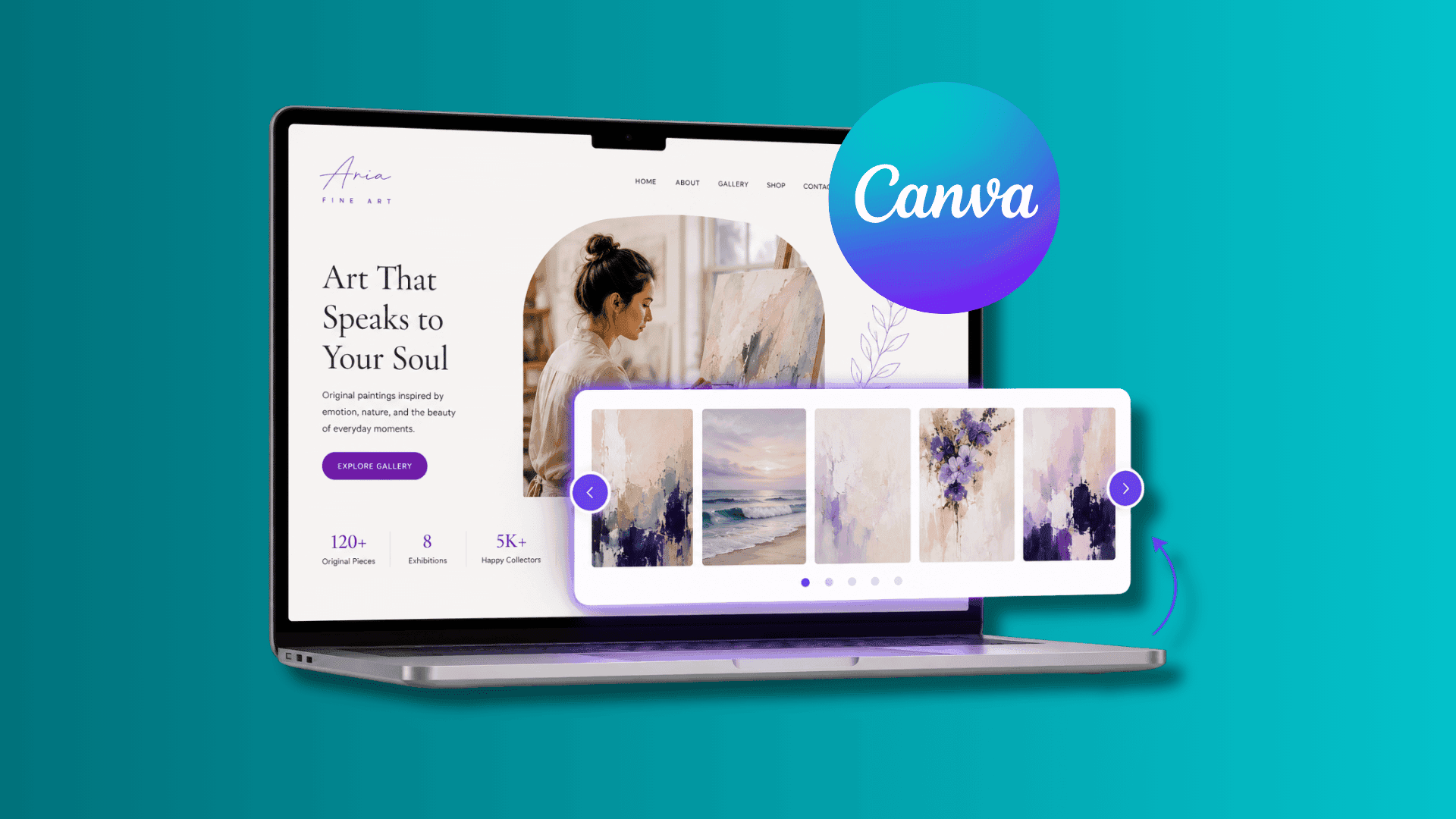
Learn how to add an image carousel to a Canva website and showcase portfolios, products, and galleries without cluttering your page.
Paula Sawicka
Content Creator
Images play a huge role in website design. Whether you're a photographer, designer, coach, agency owner, artist, ecommerce business, or service provider, images help tell your story, showcase your work, and build trust with potential customers.
The challenge is that many Canva website creators quickly run out of space.
Adding image after image can create long, cluttered pages that become difficult to navigate, especially on mobile devices.
That's where image carousels come in.
An image carousel allows visitors to browse through multiple images within a single section, creating a cleaner, more engaging experience while helping you showcase more content.
In this guide, you'll learn how to add an image carousel to a Canva website, why image sliders improve user experience, and how to use them effectively to create a more professional website.
What Is an Image Carousel?
An image carousel, sometimes called an image slider or gallery slider, is an interactive website element that displays multiple images within a single section. Instead of showing every image at once, visitors can navigate through images using arrows, swipe gestures, or automatic transitions. Common uses include:
Portfolio galleries
Product showcases
Travel photography
Before-and-after projects
Restaurant menus
Real estate listings
Team photos
Event galleries
Image carousels allow you to display more visual content while maintaining a clean website layout.
Why Use an Image Carousel on a Canva Website?
Many Canva websites rely heavily on visuals. However, displaying dozens of images on a single page can create several problems. These include:
Excessive scrolling
Cluttered layouts
Slower browsing experience
Reduced user engagement
Mobile usability issues
An image carousel solves these challenges by organizing visual content into a compact, interactive section. Benefits include:
Better content organization
Cleaner page layouts
Improved mobile experience
Increased engagement
More professional appearance
Easier navigation
Rather than overwhelming visitors, image carousels allow them to explore content at their own pace.
How Image Carousels Improve User Experience
Website user experience is one of the most important factors in keeping visitors engaged. When content is easy to browse and enjoyable to interact with, visitors are more likely to stay on your website. Image carousels improve user experience by:
Reducing Visual Clutter
Large galleries can make websites feel overwhelming. Carousels organize images into manageable sections.
Encouraging Interaction
Interactive content naturally increases engagement. Visitors enjoy browsing through images rather than passively scrolling past them.
Saving Space
Instead of displaying ten or twenty images in a row, a carousel presents them within a single section. Improving Mobile Browsing
Image carousels often work particularly well on mobile devices where screen space is limited.
How to Add an Image Carousel to a Canva Website
Login or create an account with inspireclicks.co If you’re uncertain whether you’d like to use Inspireclicks, you can access the platform for free using the 7-day trial.
Head to your dashboard, and from your sidebar, select ‘widget builder’
 3. Click on ‘Create widget’ and choose ‘Image Carousel’
 4. You can add your images and text by directly clicking on the widget. Alternatively, click on 'content' in the bottom toolbar to insert the content from the toolbar. Here, you can also add a link where your client will be redirected automatically when they click on the image.

5. To update colours of the slider', head to 'design' in the bottom toolbar.

6. If you'd like to change the font of the text, simply click on 'text' in the bottom toolbar. Here, you can also update the weight and size of the text.

7. Once you've added all your content and links, you can preview your widget on different devices, by clicking on each device at the top of the page.

8. When you're ready to publish your widget, simply click on 'open in Canva' at the top right hand side of the page. This will automatically redirect you to Canva and insert your widget to a design. Then, you can copy and paste it to any Canva website.

That’s it! It’s that easy!
Best Ways to Use Image Carousels on a Canva Website
Image carousels can be used across many industries and website types.
Portfolio Websites
Designers, photographers, artists, and creatives can showcase projects without overwhelming visitors.
Examples:
Branding projects
Website designs
Photography collections
Illustration portfolios
Ecommerce Stores
Showcase products from different angles.
Examples:
Product images
Lifestyle photography
Product variations
Customer photos
Travel Businesses
Display destinations and experiences.
Examples:
Hotels
Resorts
Tour packages
Travel photography
Real Estate Websites
Present property images in an organized format.
Examples:
Exterior photos
Interior photos
Floor plans
Local amenities
Fitness and Transformation Businesses
Display progress and results.
Examples:
Client transformations
Gym facilities
Training sessions
Success stories
Image Carousel Best Practices
Adding an image carousel is only the first step. To maximize effectiveness, follow these best practices.
Use High-Quality Images
Poor-quality images can undermine your credibility. Use professional, clear, high-resolution photos whenever possible.
Maintain Consistent Image Styles
Consistency creates a more polished appearance.
Try to use images with similar:
Aspect ratios
Color palettes
Lighting
Visual style
Avoid Overloading the Carousel
Too many images can overwhelm visitors. Focus on your strongest content rather than displaying everything.
Prioritize Mobile Experience
Always consider how images will appear on smaller screens. Most website visitors now browse on mobile devices.
Add Captions When Appropriate
Captions can provide useful context and improve visitor understanding.
Examples:
Project names
Product descriptions
Locations
Client outcomes
Common Image Carousel Mistakes
Using Too Many Images
A carousel with dozens of images may reduce engagement. Quality is usually more important than quantity.
Mixing Unrelated Content
Keep carousel content focused around a specific topic. Avoid combining unrelated images.
Poor Image Quality
Blurry or pixelated images can make your website look unprofessional.
Ignoring Mobile Users
Always ensure images display properly across devices.
Auto-Sliding Too Quickly
Visitors should have enough time to view and understand each image. Fast transitions can be frustrating.
Can Image Carousels Improve Website Performance?
Image carousels can improve visitor engagement by making content easier to explore.
Benefits may include:
Increased interaction
Better content discovery
Longer time spent on page
Improved user experience
Stronger visual storytelling
When used correctly, image carousels help visitors engage with more of your content without creating cluttered layouts.
Frequently Asked Questions
Are image carousels good for Canva websites?
Yes. Image carousels help organize visual content and create a more engaging browsing experience.
What types of businesses should use image carousels?
Photographers, designers, agencies, ecommerce stores, real estate businesses, travel companies, fitness coaches, and many others can benefit from image carousels.
How many images should I include?
Focus on quality over quantity. Show your strongest images rather than every image available.
Are image carousels mobile-friendly?
When implemented correctly, image carousels work extremely well on mobile devices.
Can image carousels increase engagement?
Interactive image browsing often encourages visitors to explore more content and spend longer on your website.
Final Thoughts
An image carousel is one of the most effective ways to showcase visual content on a Canva website. Instead of overwhelming visitors with large image galleries, carousels allow you to present multiple images within a clean, organized, and interactive section.
Whether you're displaying portfolio work, products, destinations, properties, or customer transformations, an image carousel helps create a more professional experience while making your content easier to explore.
If you're looking to improve user experience, increase engagement, and showcase more content without cluttering your website, adding an image carousel is an excellent place to start. Sign up to inspireclicks.co to build your image slider.